From messy feedback chains to a 60-second visual fix loop.
AI SaaS
Own product (snapfeed.app)
2025-2026
Co-founder · Full-Stack
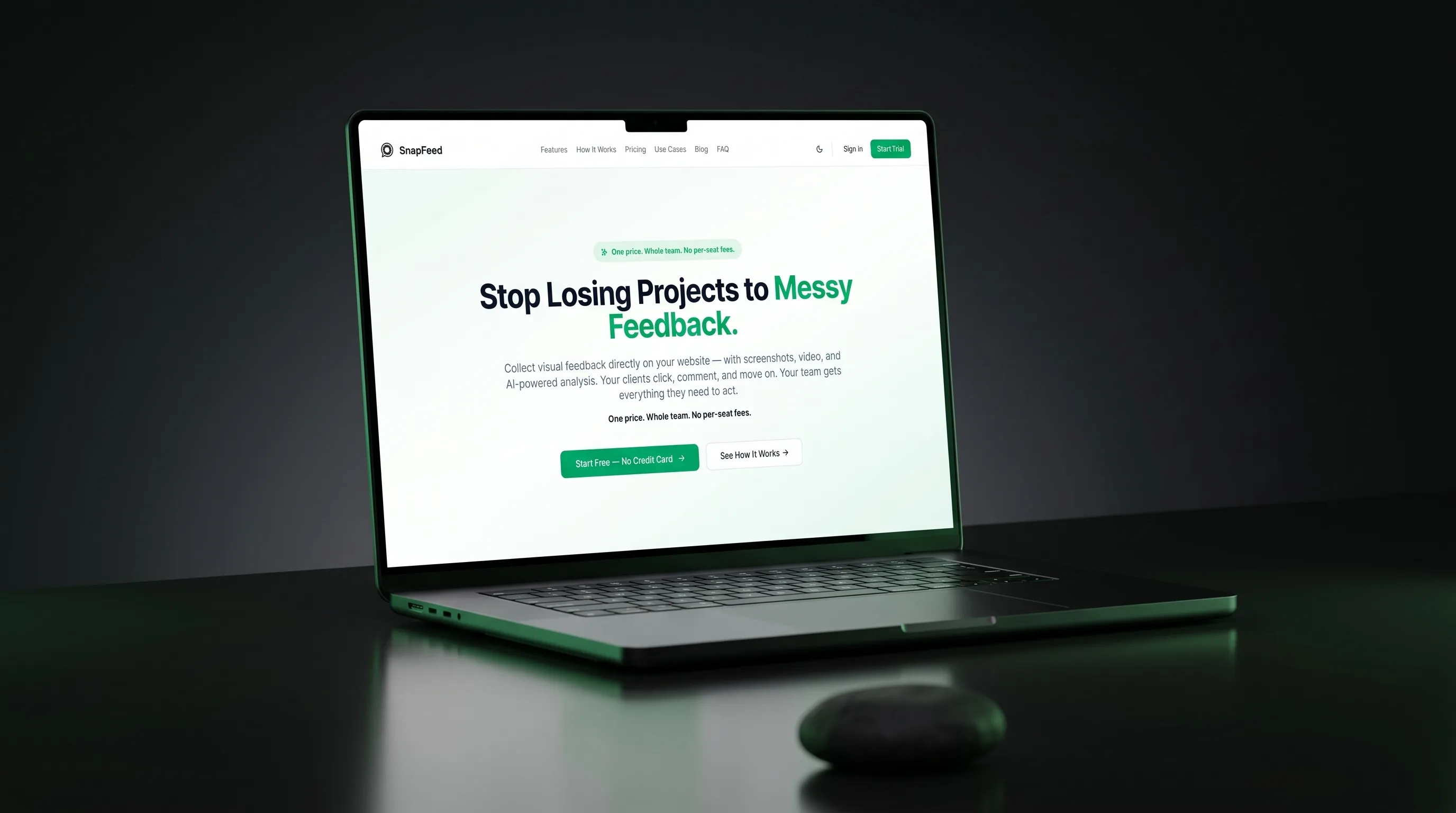
At a glance
A visual feedback SaaS for agencies and teams - embedded as a widget on the client’s live site, no login required.
01 - The problem
Stop losing projects to messy feedback.
Every agency we’ve worked with runs the same broken loop: client opens a Slack DM, drops a vague screenshot, then follows up in email three days later asking why nothing changed. Designers paste comments into Figma frames the client never opens. The PM has to translate “the button thing” into a Jira ticket. Half of every project gets lost in the translation layer between “client sees a thing” and “dev fixes the thing”.
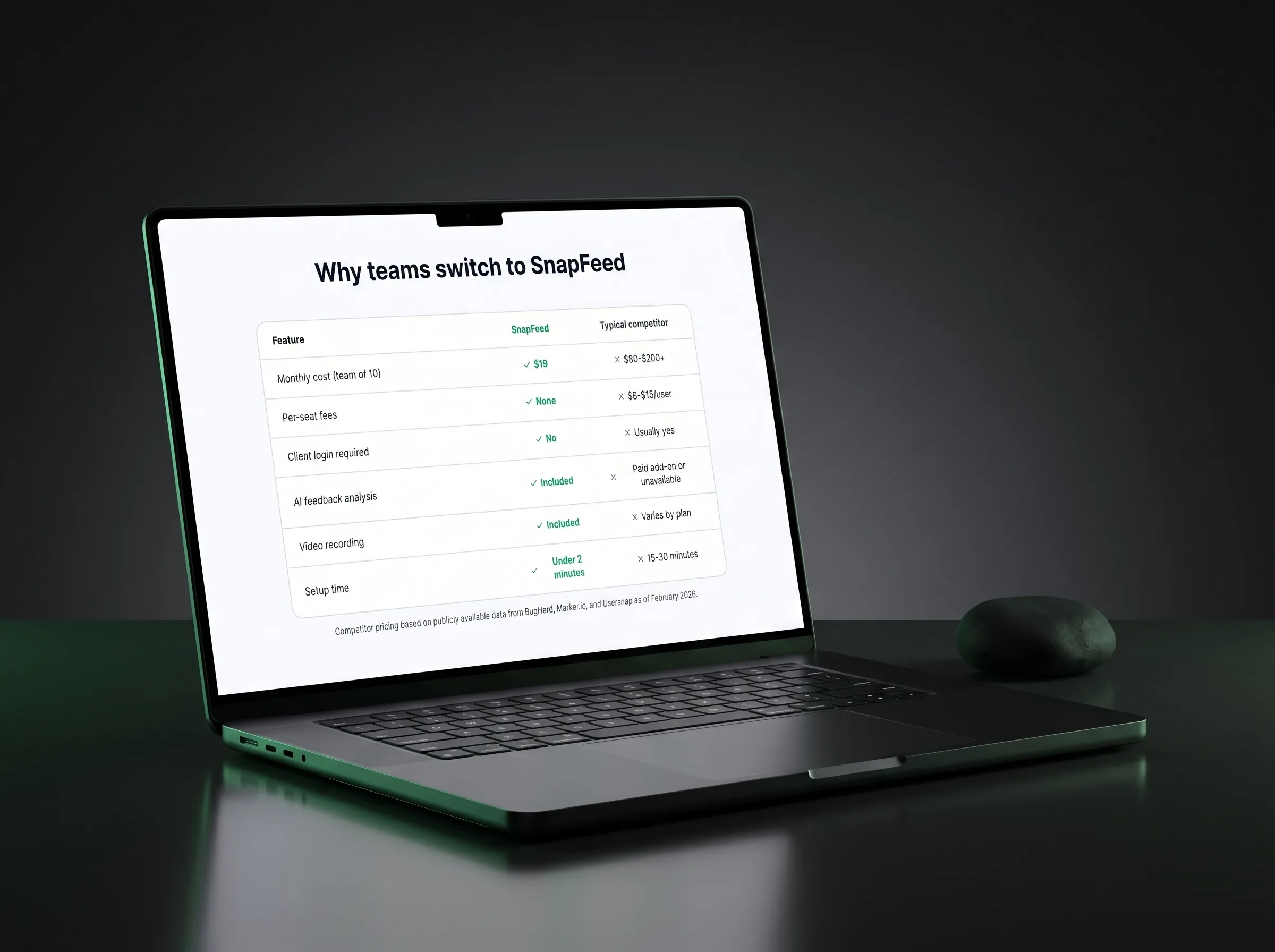
The competitors all knew this. They built tools at $80-$200 per seat, paywalled behind enterprise onboarding, with a learning curve longer than the average feedback cycle itself. So small agencies just kept emailing screenshots back and forth.
SnapFeed exists because somebody had to ship the obvious thing: a widget your client clicks on the live site, paints a circle, hits send, and your team gets a structured bug ticket with everything - screenshot, console logs, browser metadata, the works.
02 - The vision
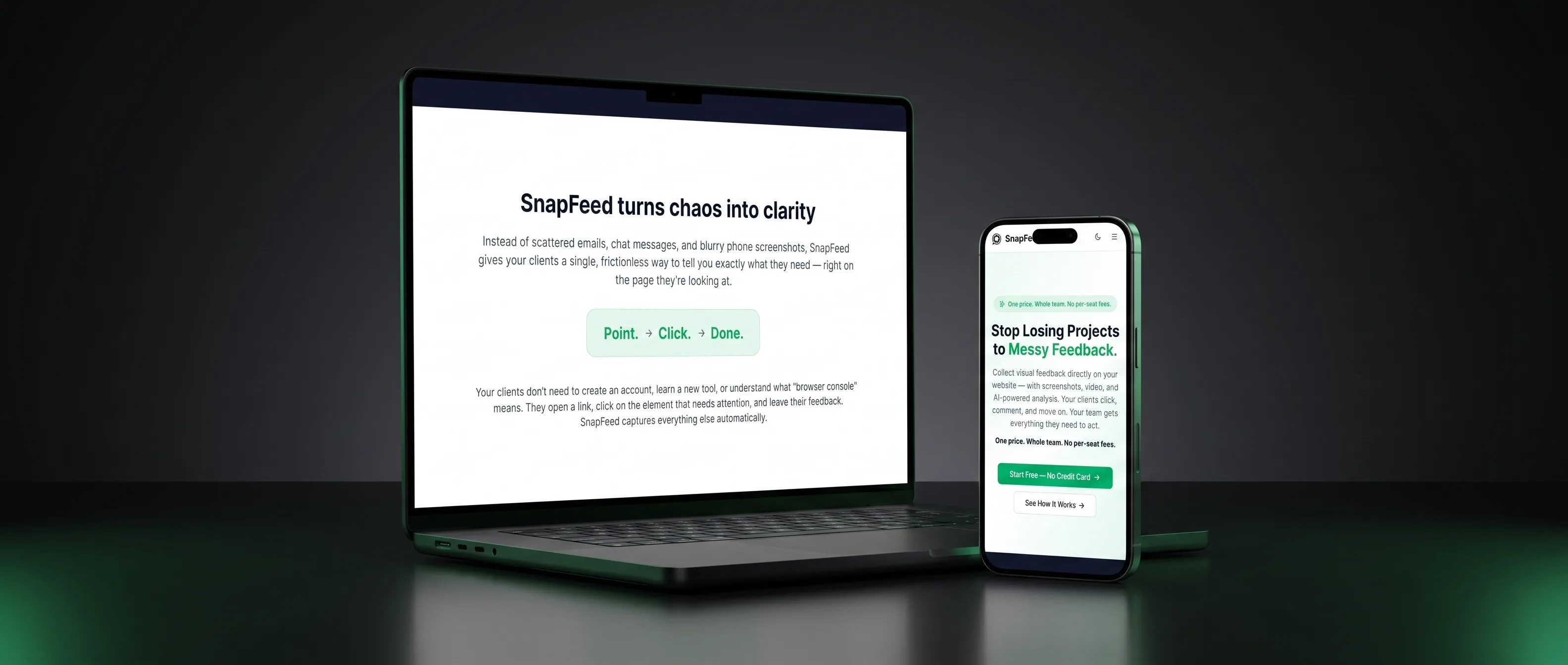
Point. Click. Done. - the entire feedback experience, distilled.
Three product principles drove every decision:
- Frictionless for the client. No login. No account. No download. They land on the site, see a small floating button, click it, paint on the screen, hit send. The widget knows who they are because the agency configured it for them upfront.
- Structured for the team. Every piece of feedback arrives in the dashboard with a screenshot, an annotated layer, optional video, console errors, the user’s viewport size, the URL, the user agent. The AI pass categorises it (bug / copy / design / question) and suggests severity. Devs open one card and have everything they need.
- Flat pricing for the agency. One price for the whole team, every project, every client. We refused per-seat pricing on principle - we’d been the agency stuck choosing “who deserves a license this month” and we weren’t going to put anyone else through it.
03 - Who it’s for
Built for the people who actually live in the feedback loop.
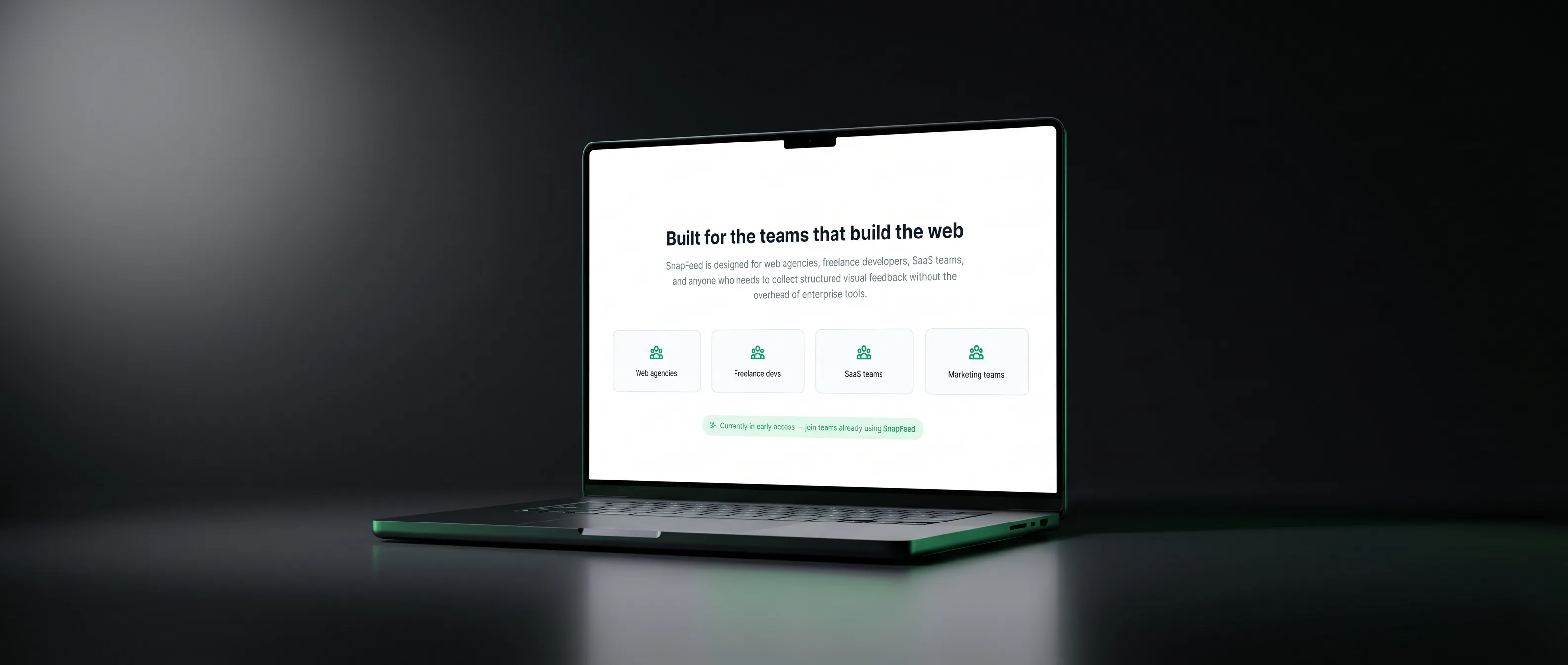
Web agencies
The original use case. Drop the widget on every client staging site. Clients give feedback where they actually see the work; you get tickets that don’t need decoding.
Freelance developers
Solo devs juggling five clients can’t afford one feedback tool per client. Flat $19/mo covers all of them, all of their projects, every revision round.
SaaS teams
In-house product teams use it for internal QA and beta testing. Same widget, same dashboard, no separate tool for “internal feedback” vs “client feedback”.
Marketing teams
Reviewing the new landing page with five stakeholders? Each one paints on the screen, leaves a note, you triage in the dashboard. Beats a 40-comment thread on a PDF.
04 - Technology & the challenge
A modern stack, one genuinely hard problem.
SnapFeed runs on a modern web stack - a fast marketing site, a responsive team dashboard, and a cloud backend that quietly handles accounts, data and the live updates everyone on the team sees at once. Google’s Gemini reads each piece of feedback as it lands and sorts it automatically - bug, copy, design or question - with a sense of how urgent it is, so nothing waits around to be triaged by hand.
The real challenge was the little feedback button itself. It has to sit on top of a client’s live website without clashing with their design or breaking anything, load in a blink, and let anyone record a quick screen video straight from the browser - no plugin, no account, no install. Making that feel invisible on sites we don’t control, while keeping everything secure, was where most of the engineering went.
05 - The workflow
Point. Click. Done.
The entire client experience is three words long. They open the link, see the page they’re reviewing, click the floating button, paint a circle, type a note, hit send. No login screen, no email confirmation, no “please install our extension”. Under a minute, every time.
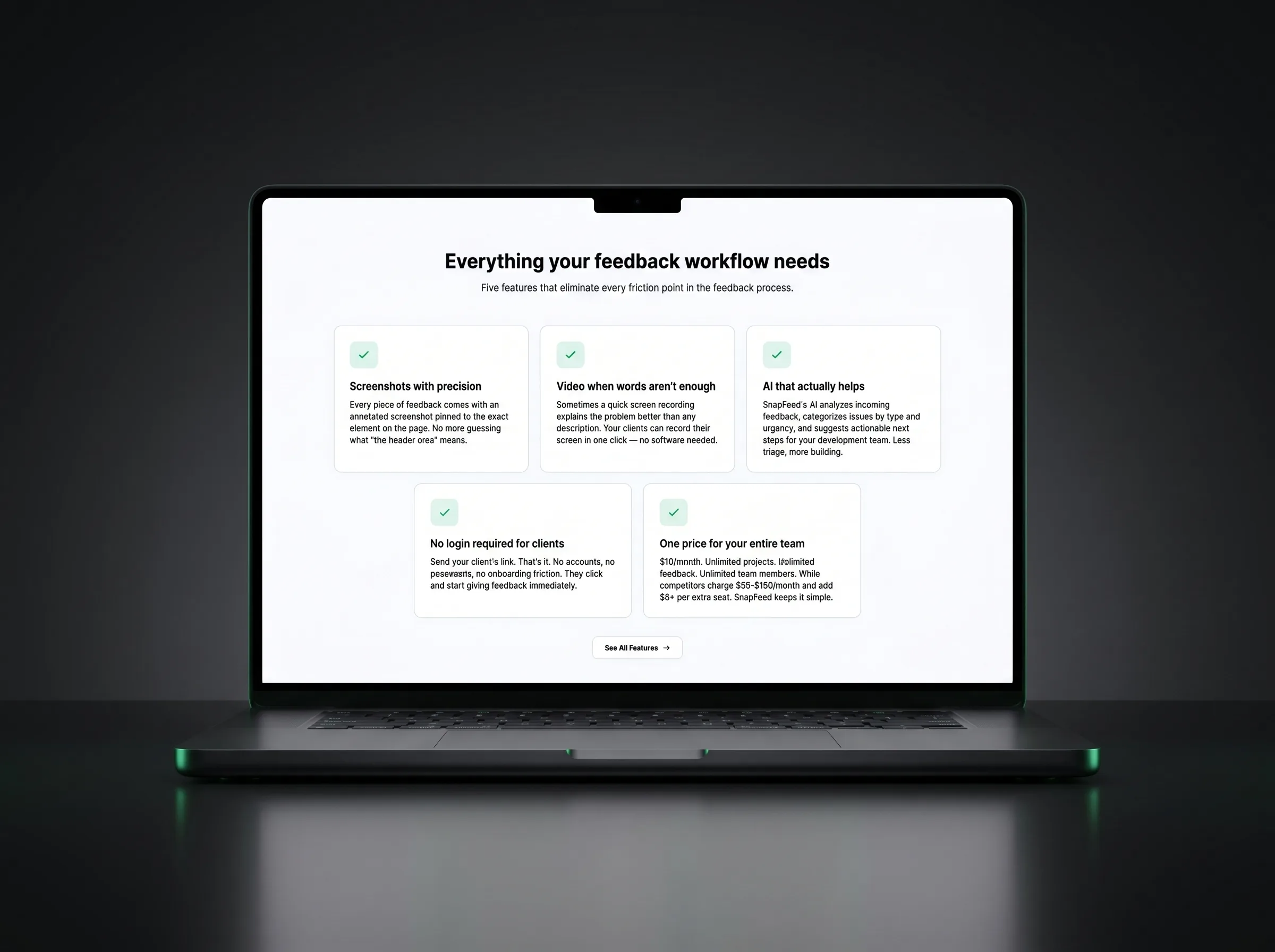
06 - Feature highlights
Five things the product does, every day, on production.
Each one closes a specific friction point in the feedback loop - from the moment a client sees something wrong to the moment a dev opens the ticket.
+ Installable dashboard
Works like an app on desktop and mobile, and keeps working offline - new feedback waits safely and syncs the moment you are back online.
+ Build-in-public marketing
A public blog documenting the product from day one - everything shared in the open as it was built.
07 - Results
Live, paying, build-in-public.
SnapFeed is live in production on snapfeed.app with paying customers, a backend running around the clock, and a public blog documenting the journey. We use it ourselves, every day, on our own client projects.
Like what you see?
Let’s build the next one.
From a blank page to a working product - AI, automation, full-stack engineering. Get in touch and let’s talk about your idea.